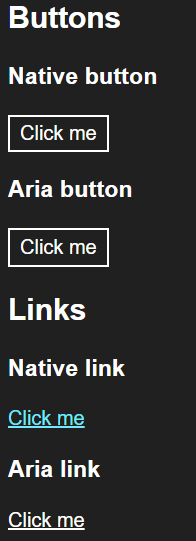
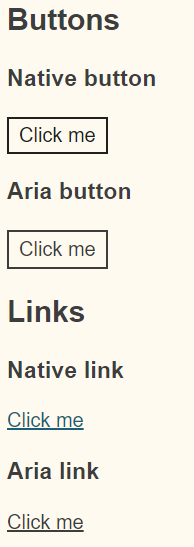
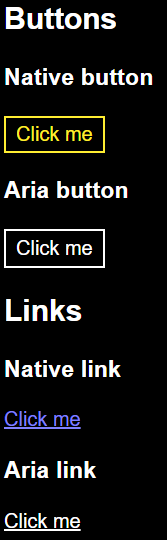
Showing how links and buttons marked up using ARIA differ in presentation from those marked up using native HTML elements.
Results
Screenshots of the different default WHC themes in Windows 11 using the test below.

Tests
View this page in Windows High Contrast to see the difference using native elements for links and buttons makes.
Buttons
Native button
<button class="button">Click me</button>
Aria button
<div class="button" role="button" tabindex="0">Click me</div>
Links
Native link
Click me<a class="link" href="/">Click me</a>
Aria link
Click me
<div class="link" role="link" tabindex="0">Click me</div>